
This page is for existing KansasNet email customers who need help setting up email in a mail app or checking the correct incoming and outgoing mail settings.
KansasNet email settings
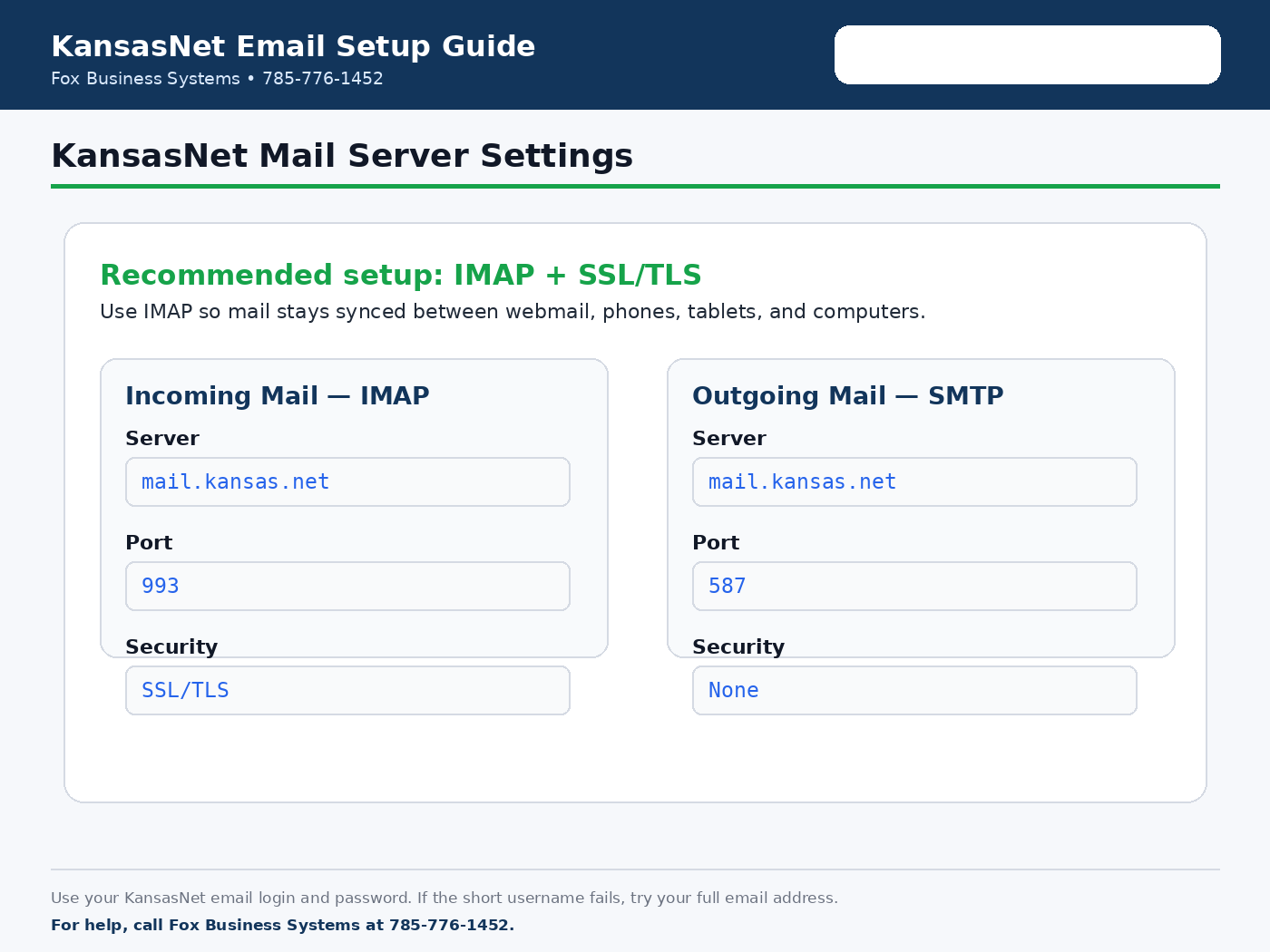
Most customers should use IMAP so messages stay synced between webmail, phones, tablets, and computers. POP3 is still listed for older mail programs or special setups.
| Type | Server | Port | Security | Notes |
|---|---|---|---|---|
| IMAP incoming mail | mail.kansas.net | 143 | None | Standard IMAP. Use your KansasNet email username/password. |
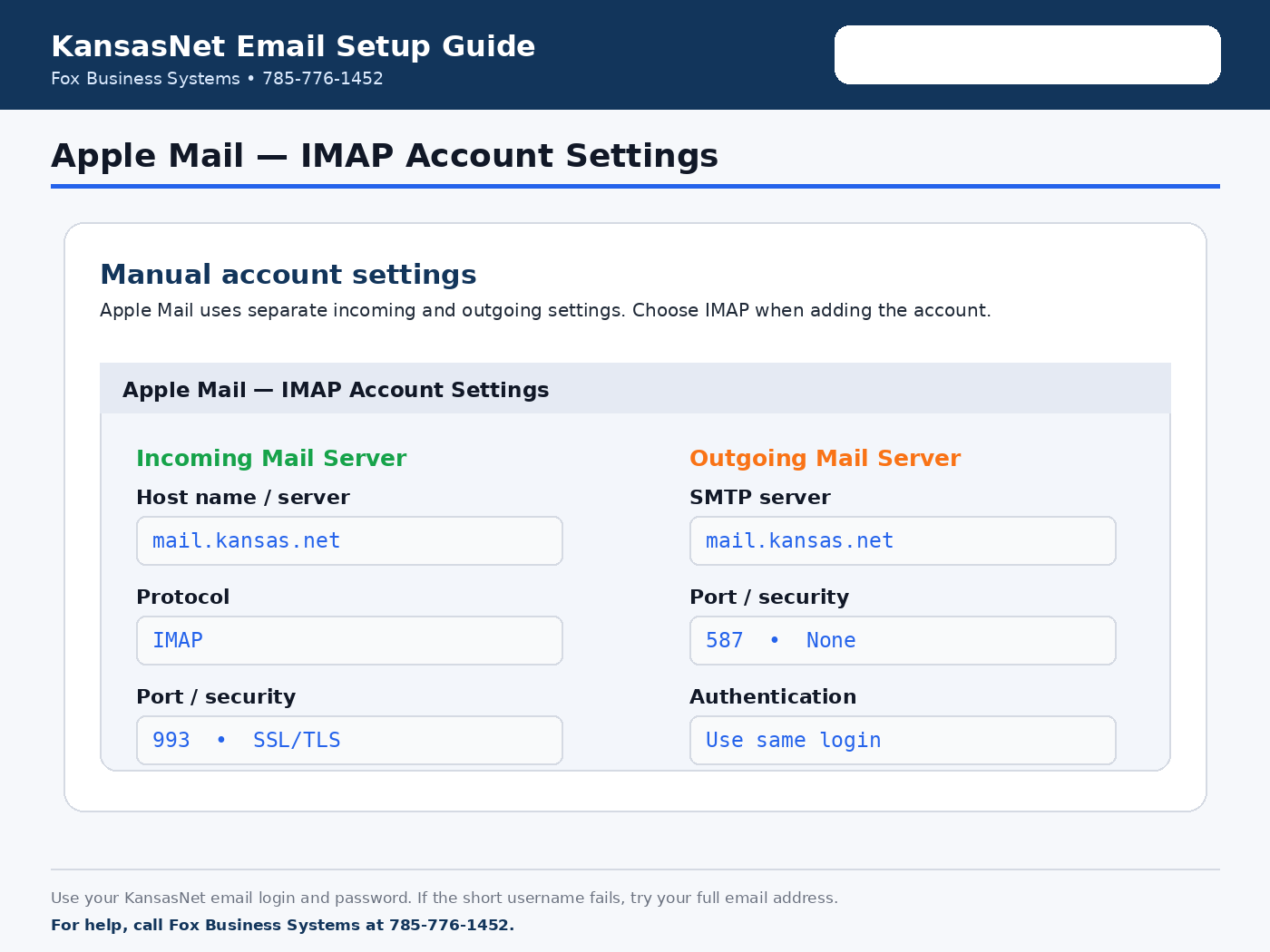
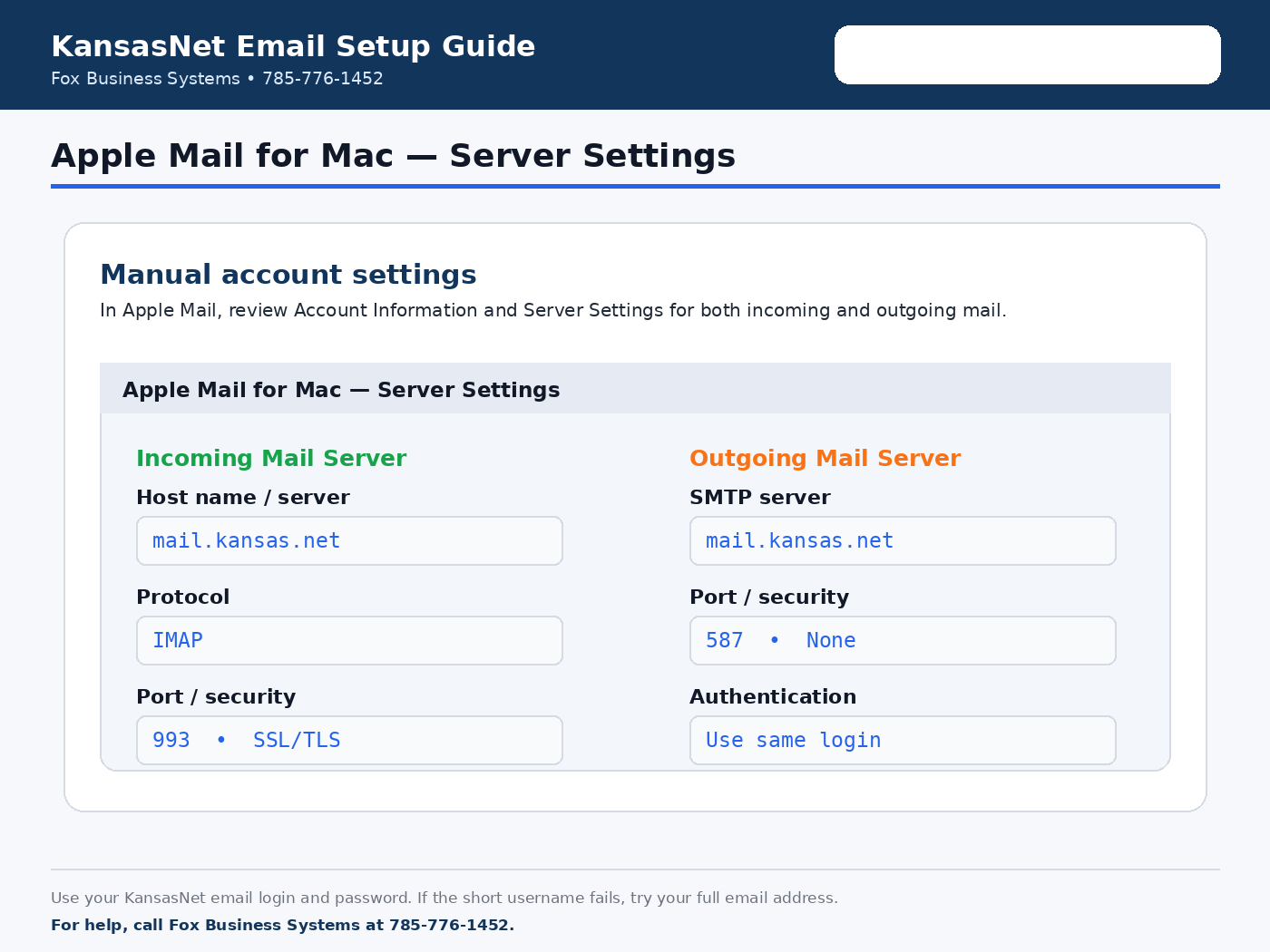
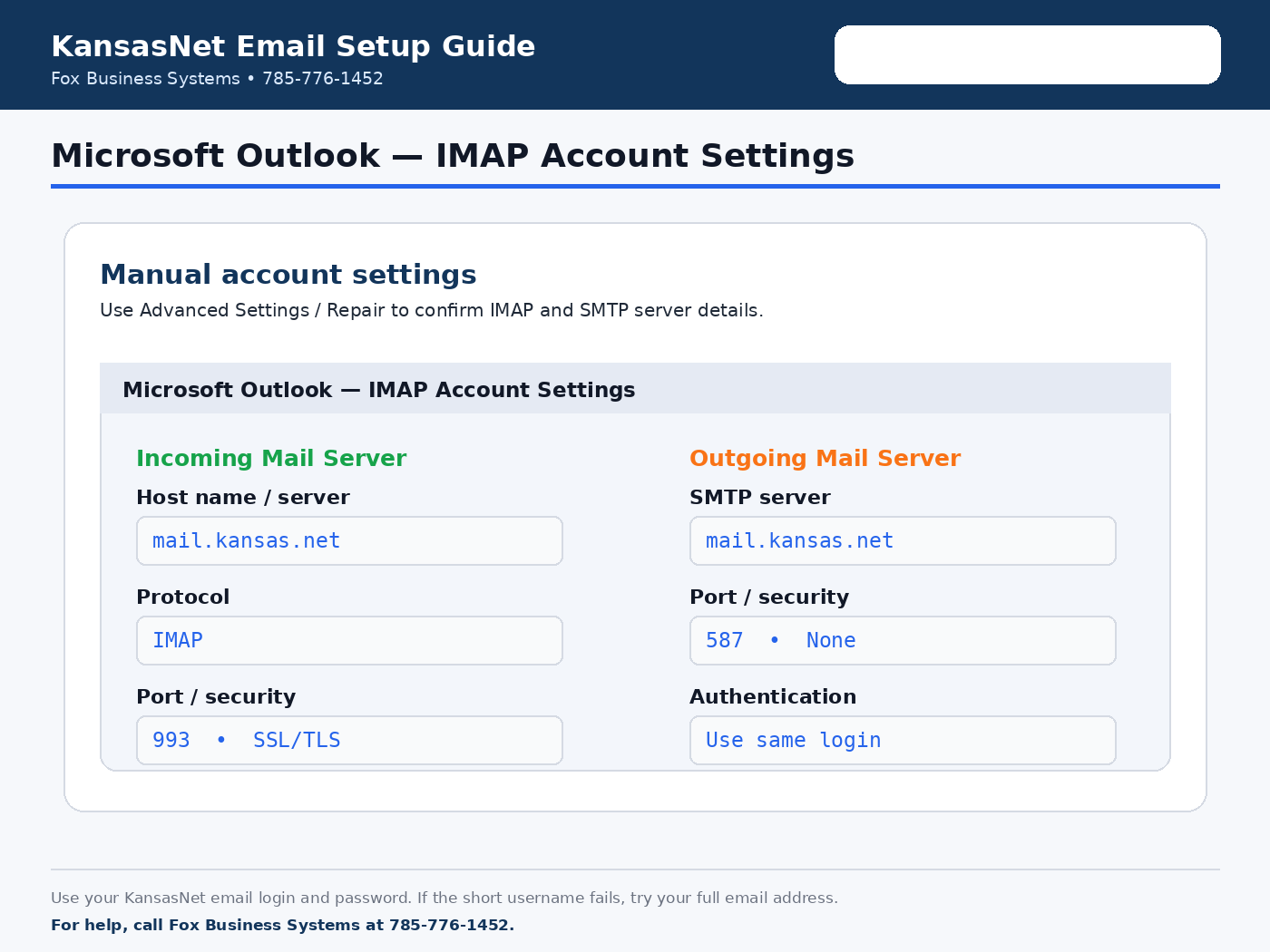
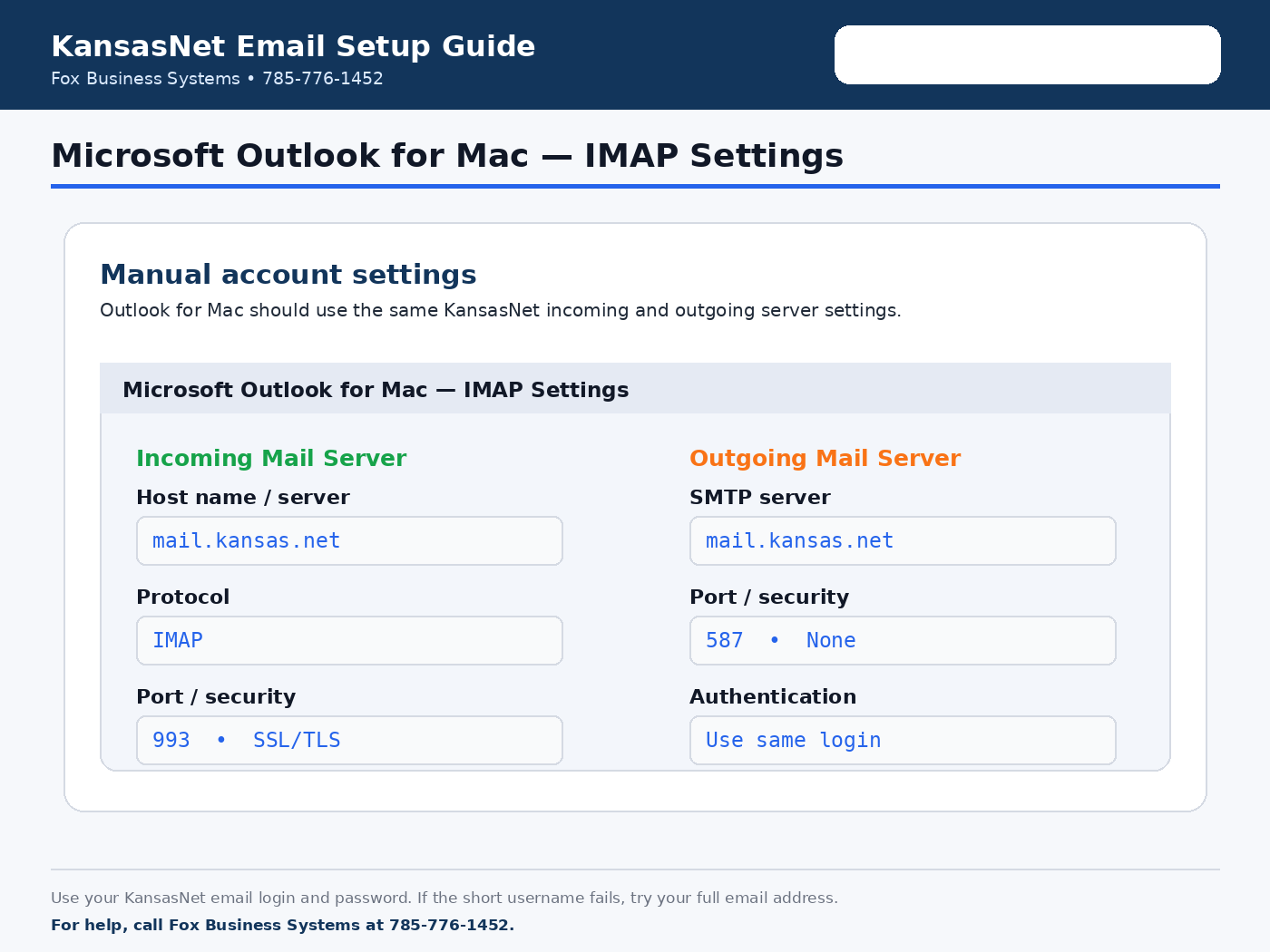
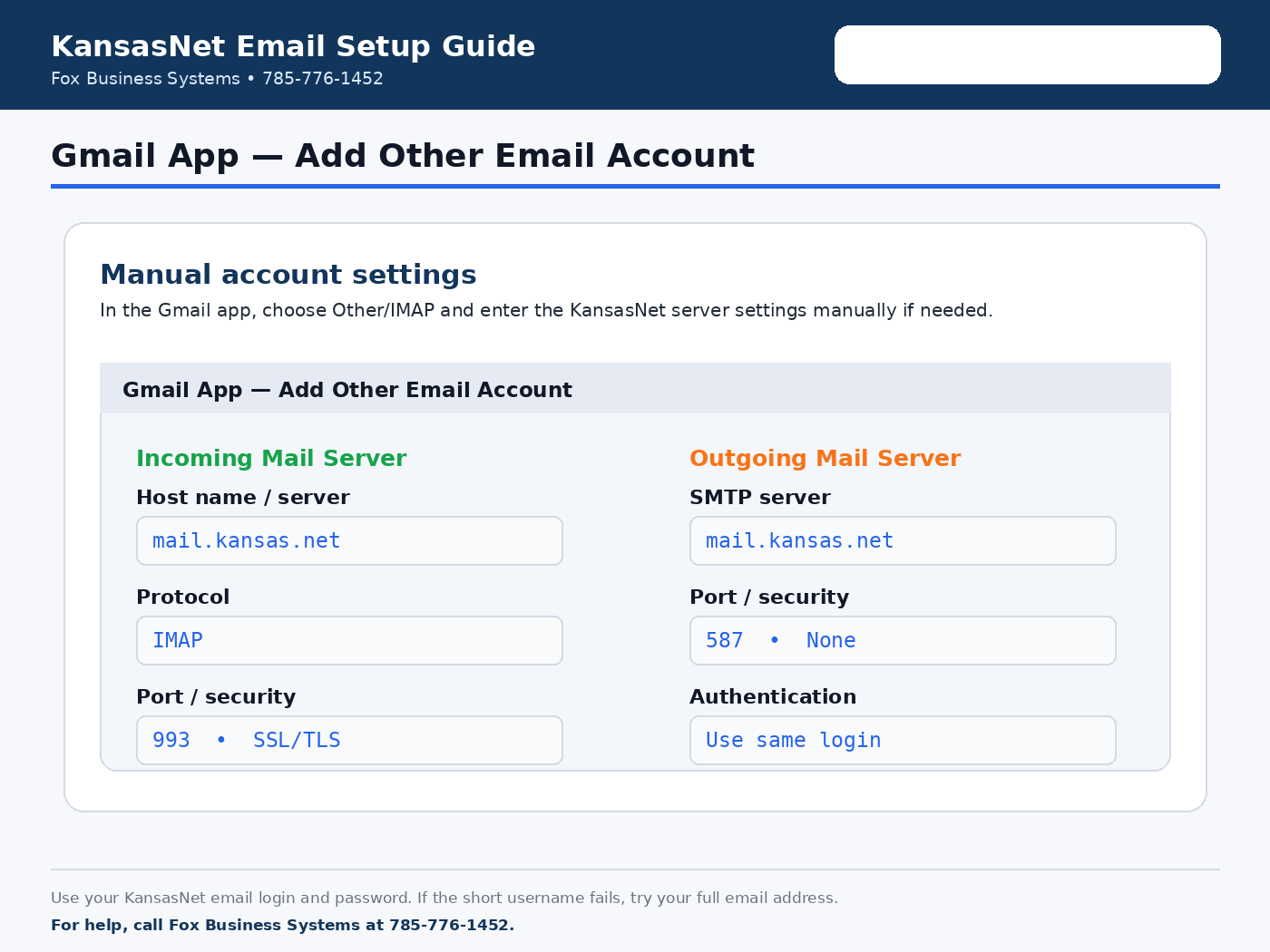
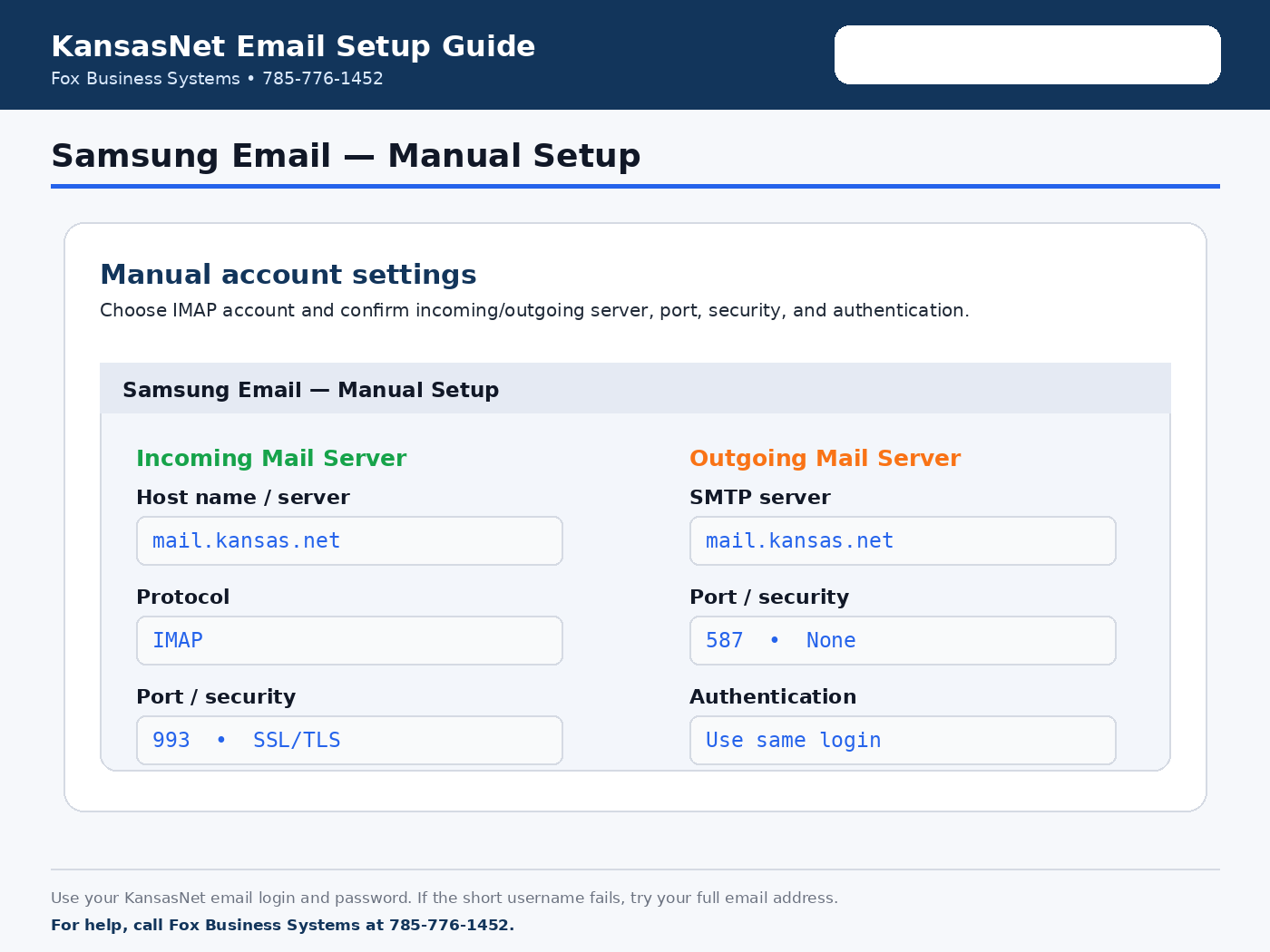
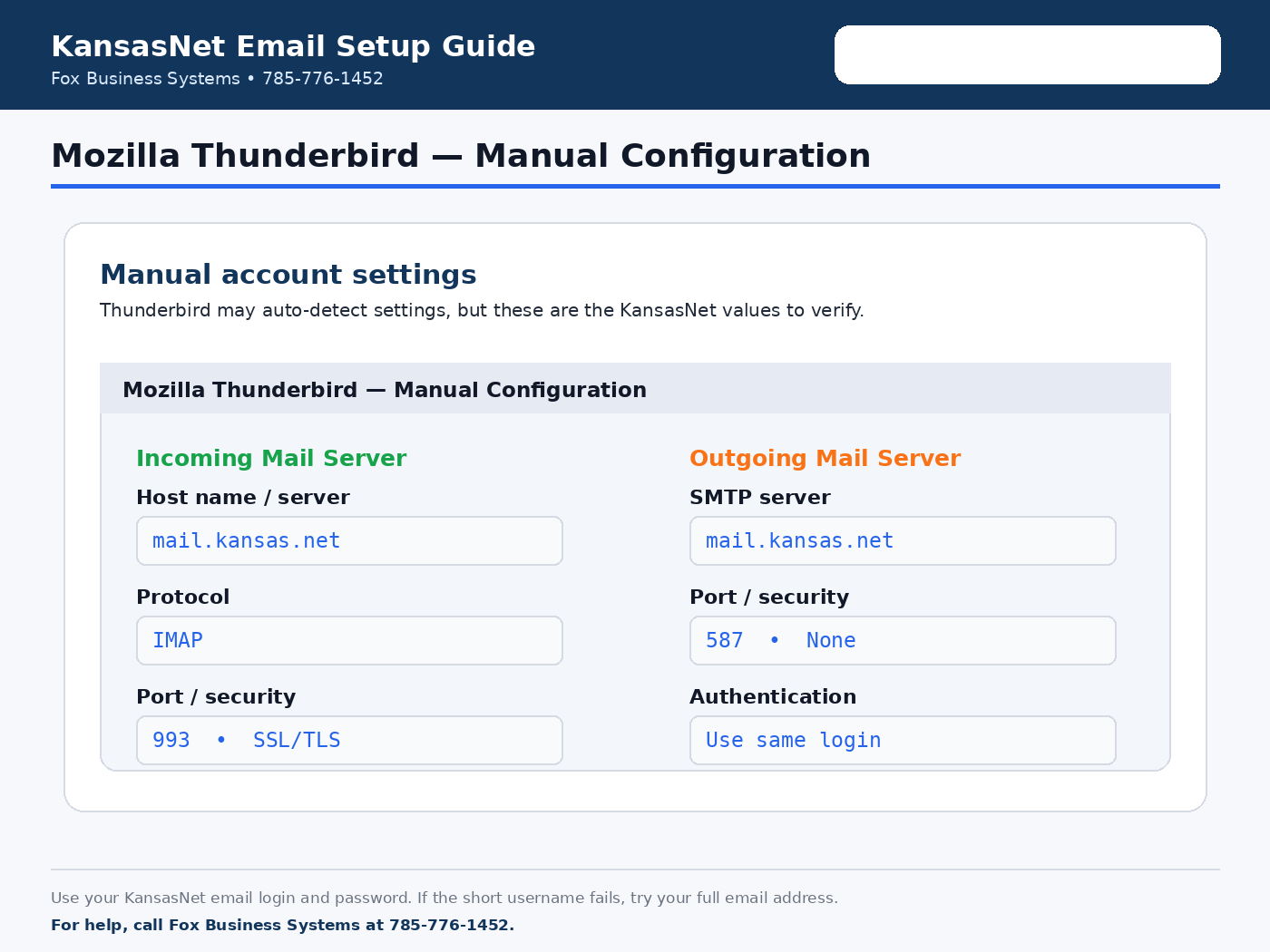
| IMAP incoming mail with SSL/TLS | mail.kansas.net | 993 | SSL/TLS | Recommended when supported by your mail app. |
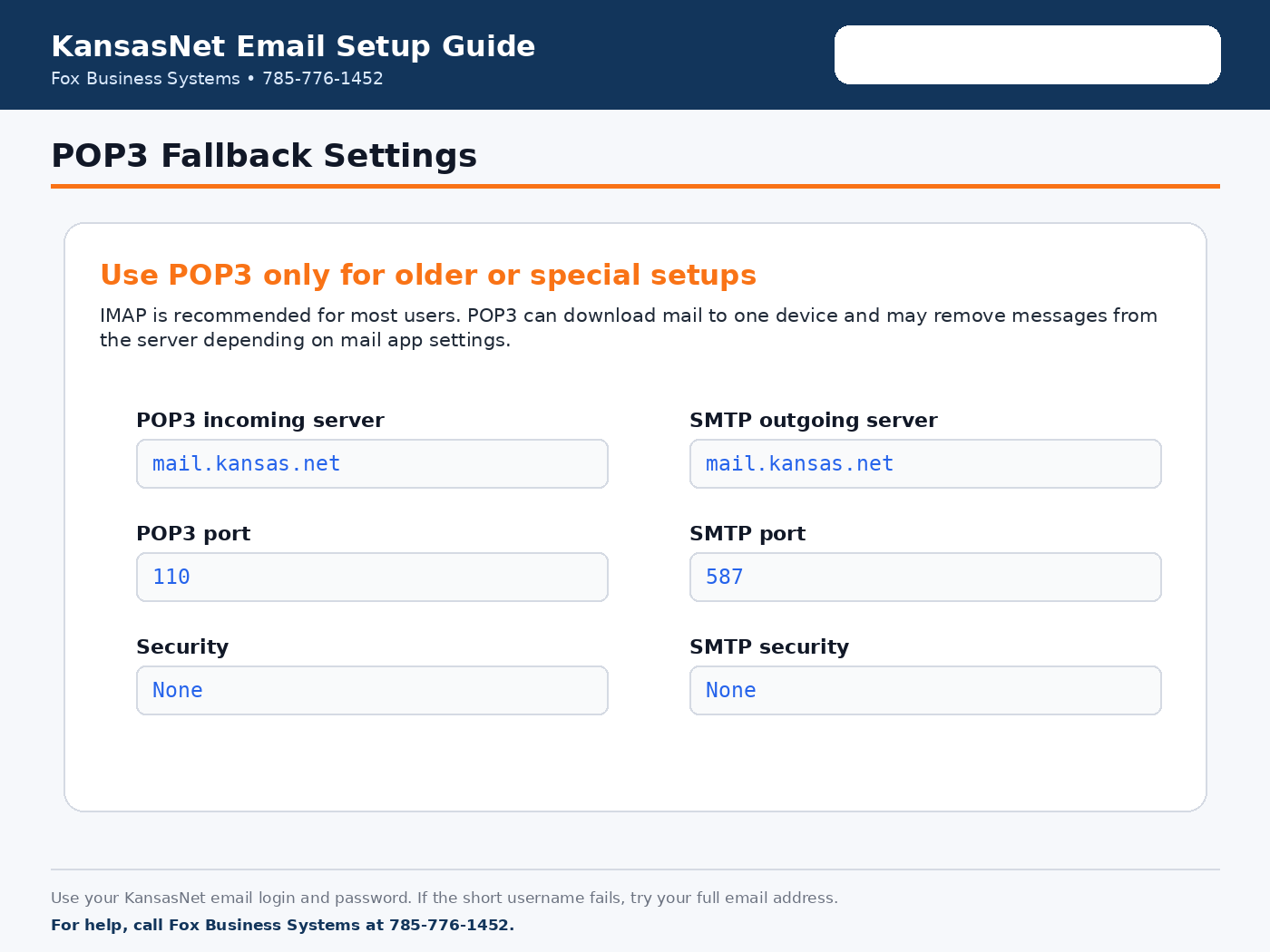
| POP3 incoming mail | mail.kansas.net | 110 | None | For older POP3 setups. POP may download mail to one device. |
| SMTP outgoing mail | mail.kansas.net | 587 | None | Use authentication with your KansasNet email login if prompted. |
Username: Use your KansasNet email login. If your mail app asks for a full username and the short username does not work, try your full email address. Password: use your KansasNet email password.
POP3 or IMAP?
IMAP is recommended for most users. It keeps mail synced across webmail, phones, tablets, and computers. POP3 downloads mail to one device and may remove messages from the server depending on your mail program settings.
Email setup guides
Use these visual guides for common email programs. Click any guide to open the full-size screenshot.
Common email problems
- Can receive but cannot send: check SMTP server, port, security type, and authentication.
- Password rejected: try logging into webmail first to confirm the password works.
- Mail works in webmail but not on your device: recheck incoming and outgoing server settings.
- Certificate or security warning: confirm you are using the correct server name and port.
- Old mail app will not connect: the program may not support current security requirements.
Need help?
If you are an existing KansasNet email customer and still need help, call Fox Business Systems at 785-776-1452. Please have your email address, device type, mail app, and any error message available.